Habits
Habits shows your personal planning history. Start with Global, then open a tab such as Work hours or Spare time to see what happened in that slot.
Choose a reporting period
Use Reporting period to choose the range. Free offers 7 and 15 days. Pro adds 1, 3 and 6 months and Custom past ranges up to one year.
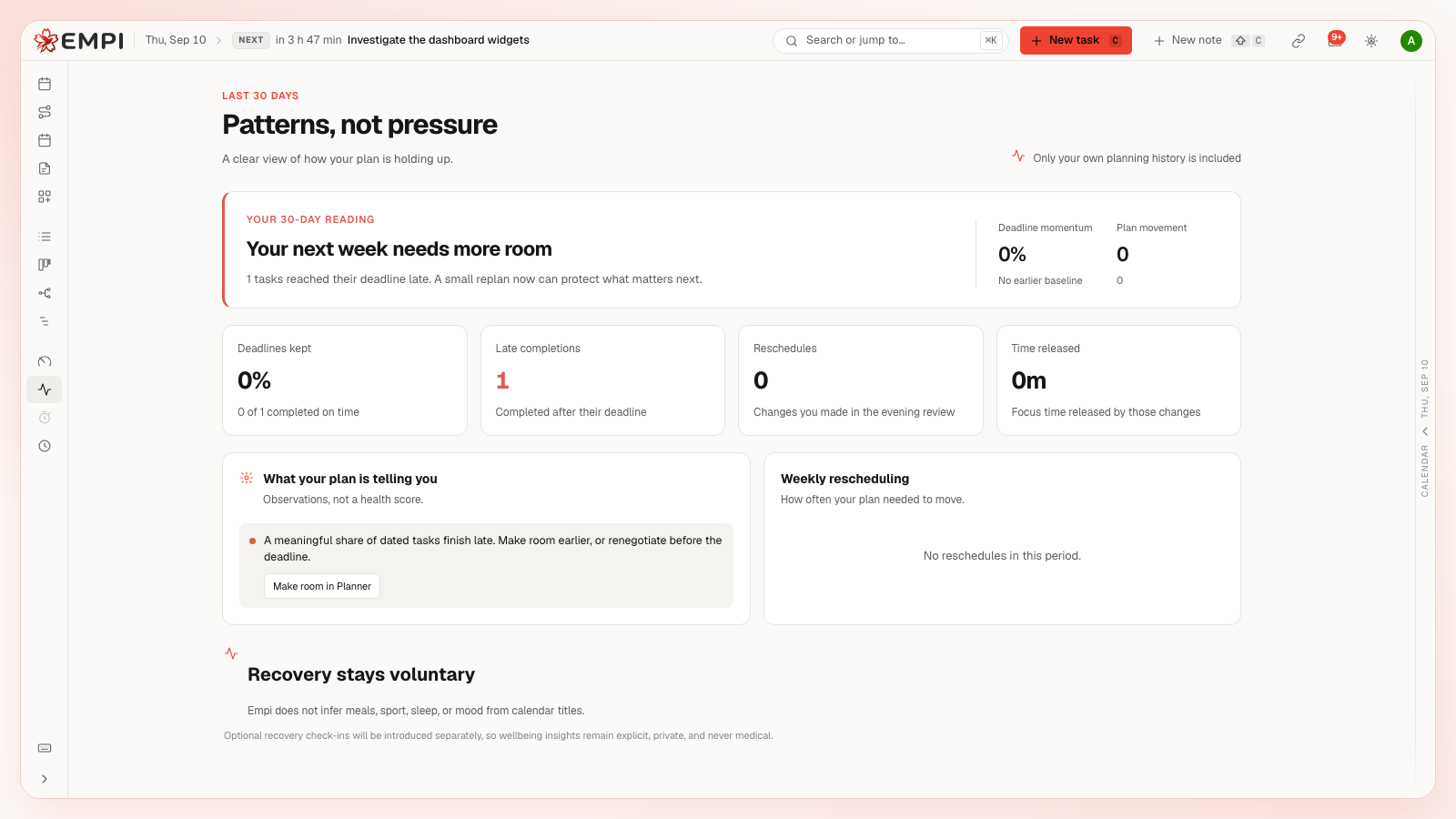
The summary shows deadlines kept, late completions, reschedules and time released. Weekly rescheduling includes weeks with no pushes; the first and last weeks can be partial. When there is too little history, Empi says the baseline is still taking shape.
Understand a time slot
All tabs use the same reporting period. The report count follows the original block. Time released follows each affected block. Unknown slot holds records whose original slot could not be established. Calendar history uses your current time slot windows.
The review rate shows how many distinct reviewed tasks were pushed at least once, including tasks completed later. Its color depends on the number of reviewed tasks and how many decisions have an identified slot.
Habits suggests one small experiment based on what you recorded. Open Examples to try to see practical ideas and their sources. Use Today to record your next evening review.
Read results without double-counting
Each task counts once in the selected period: Done takes precedence over Pushed, then Work recorded. Recorded work includes confirmed reservations, positive daily work declarations without a reservation, and work attributed while pushing another task. Only your own history is included.
Time by event type summarizes elapsed calendar activity by type, with duration, frequency and weekly trends. It includes enabled calendars in Scheduling mode and local Empi blocks, including events outside working hours. All-day events are counted separately; overlapping timed events both count. Use the calculation help to check what is included.