Account and data
Everything that concerns you rather than your schedule: your password, a full copy of your data, moving your data to someone else, and leaving.
Password
Change the password you use to sign in. You stay signed in on this device.
If you sign in with a connected account (an identity provider rather than a password), there is nothing to change here: manage your sign-in with that provider.
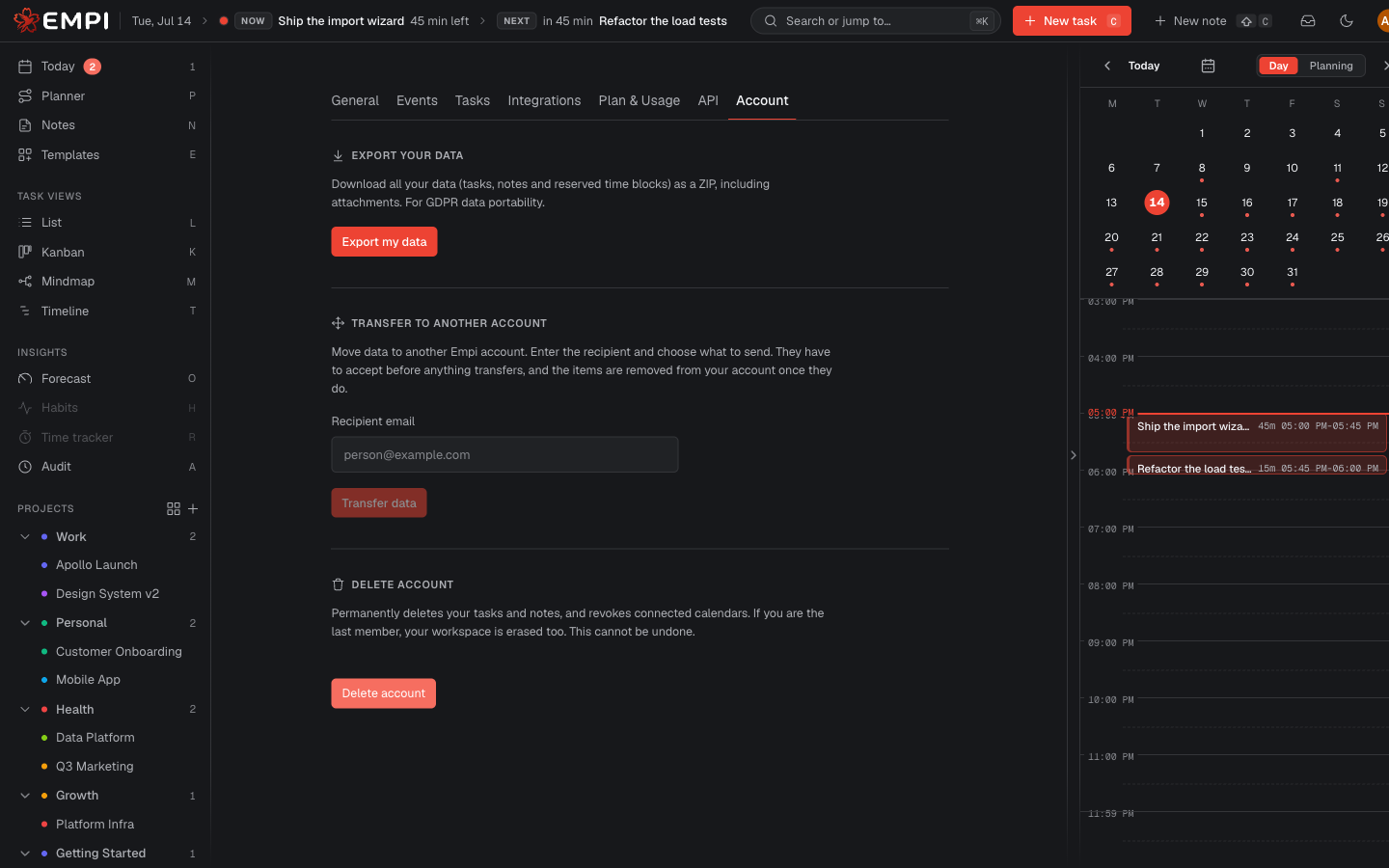
Export your data
Export my data downloads all of your data (tasks, notes and reserved time blocks) as a ZIP, including attachments. It is a full backup and it is also your GDPR data portability export. Take one before any irreversible action below.
Transfer to another account
Move data to another Empi account. You enter the recipient's email and choose what to send. Two things to know:
- The recipient has to accept before anything moves.
- Once they accept, the items are removed from your account. Reserved time blocks travel with their tasks.
Transfers sent to you appear in the same tab under Incoming transfers, where you pick what to keep and then Accept selected, or Deny the whole thing.
Delete account
Permanently deletes your tasks and notes and revokes your connected calendars. If you are the last member of the workspace, the workspace is erased too. You can optionally also remove your reserved time slots from connected calendars. Empi asks you to type a confirmation phrase, because this cannot be undone.
Encryption and crypto-shred
Your content is encrypted at rest with a key that belongs to your workspace alone. That key is what makes your data readable.
Warning
A workspace owner can permanently destroy that encryption key. This is the GDPR crypto-shred: once the key is gone, every piece of content in the workspace becomes unreadable forever, including anything held in backups. There is no recovery path, no support ticket and no undo. Export your data first if there is any chance you will want it back.