API tokens
A personal access token lets a script, a CI job or any integration call the Empi REST API as you. It sees exactly what you see and can change exactly what you can change.
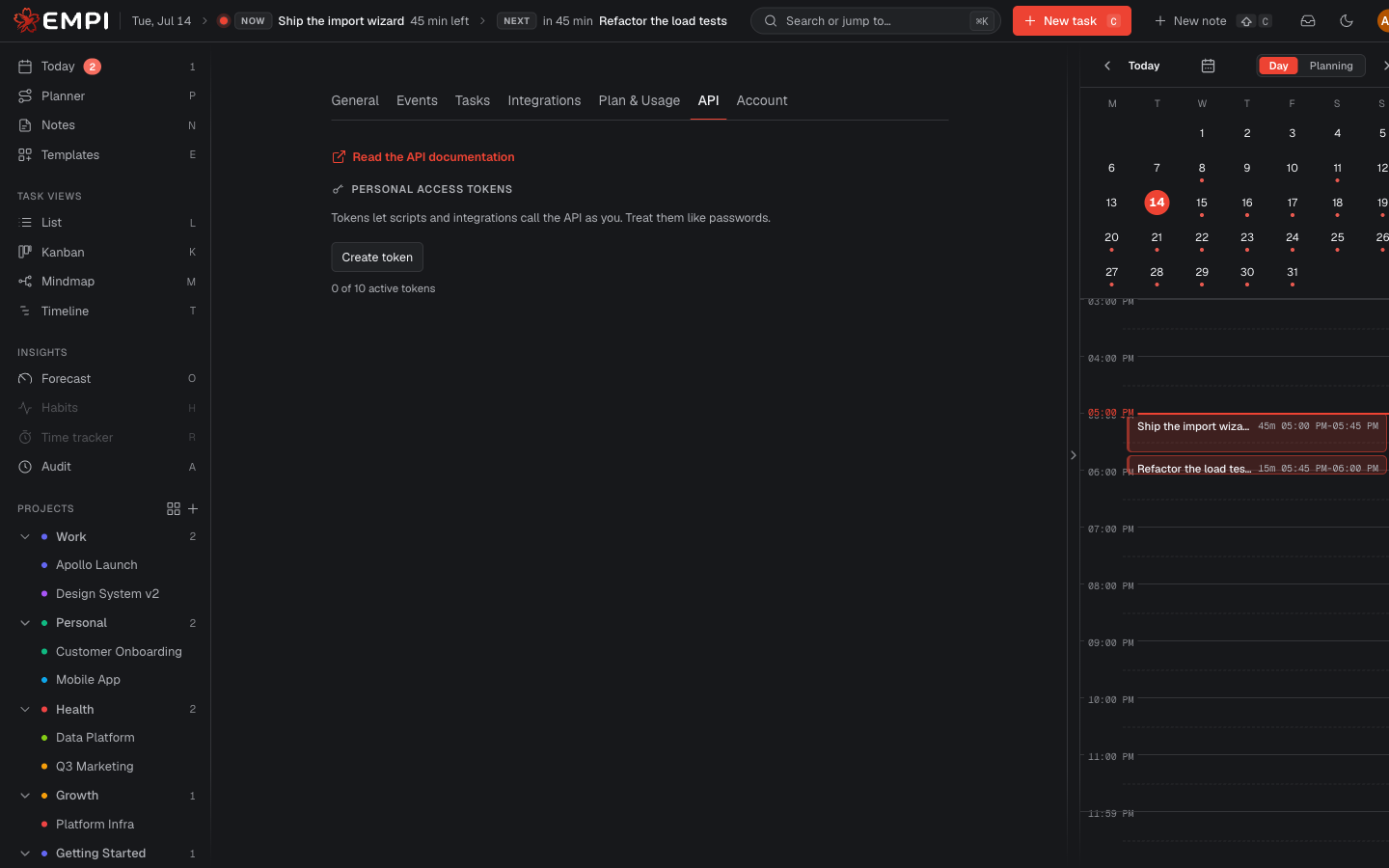
Create a token
- Open Settings > API.
- Click Create token.
- Give it a Name (for example "CI pipeline") so you recognise it later.
- Pick its Permissions: Read-only (GET requests only) or Read & write (read and modify data).
- Pick an Expiration: 7 days, 30 days, 90 days, 1 year, or no expiration.
- Click Create, then copy the secret.
Warning
The secret is shown once, at creation. It grants access to your whole workspace, so store it like a password (a secret manager, your CI secrets store) and never paste it into a shared document or a public repository. If a token leaks, revoke it immediately: revocation takes effect at once.
Each token row shows when it expires and when it was last used, so you can spot one you forgot about.
Use a token
Send it as a bearer token on your API requests. The full list of endpoints, their parameters and their responses lives in the API reference.
Revoke a token
Click Revoke on the token row and confirm. The token stops working immediately and cannot be restored. Create a new one if you still need access.
Calls made with a token are attributed to the API in your activity log.
Tip
If your goal is to let an AI assistant work with your tasks, you do not need a token at all. Use the MCP server instead: it signs in through your browser and you can disconnect it at any time.