Settings overview
Settings is where you tell Empi how you work: how the app looks, when your time is available, how the planner books it, and what Empi is connected to.
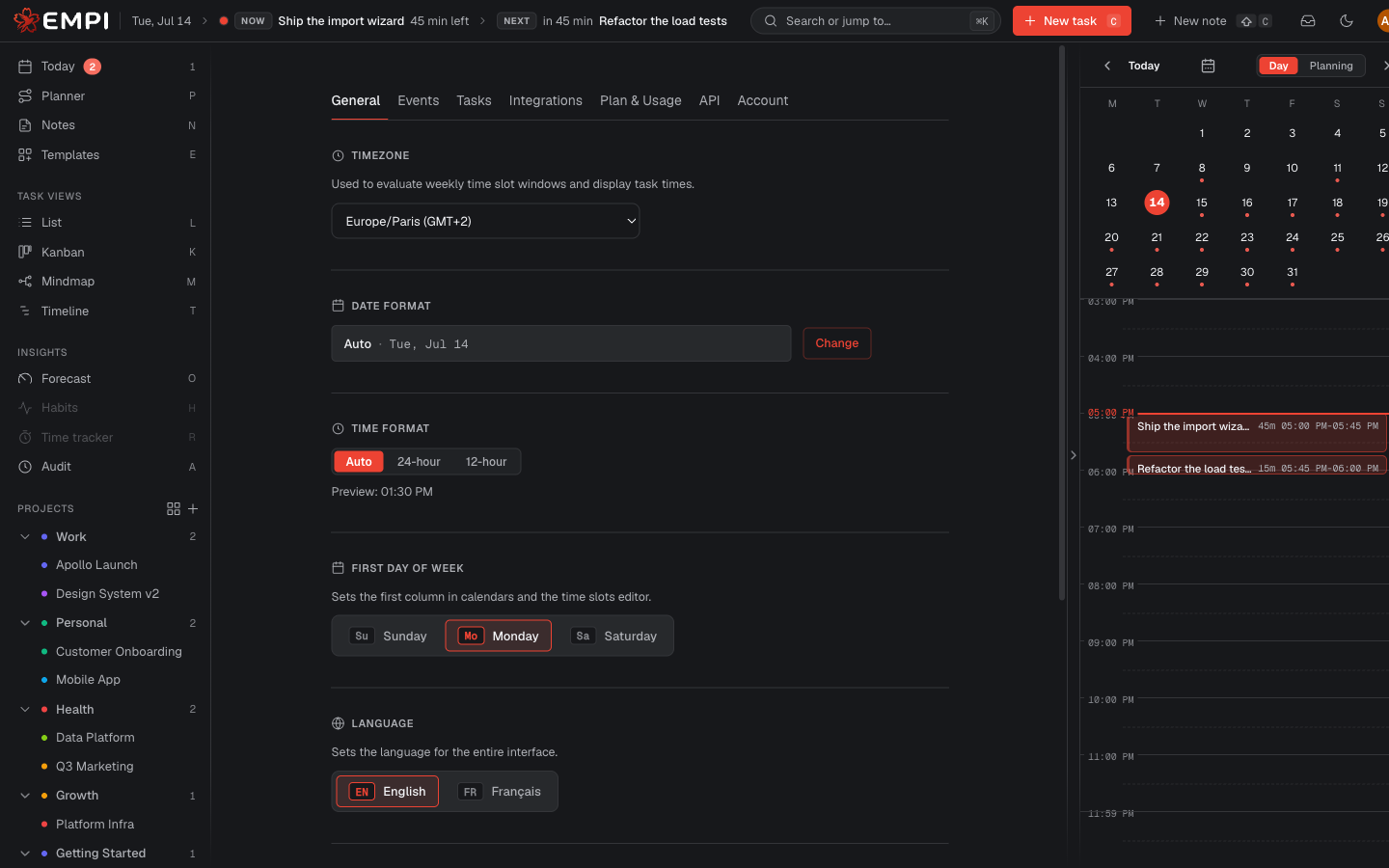
Where settings live
Open Settings from the account menu in the topbar, or go to /app/settings.
The page has seven tabs, and each one is deep-linkable with a ?tab= parameter,
so you can bookmark a tab or share a direct link to it. For example
/app/settings?tab=events opens the Events tab straight away.
The seven tabs
| Tab | What it holds | Documented in |
|---|---|---|
| General | Appearance (theme, palette, accent), locale (language, timezone, date and time format, first day of week), task defaults, notification preferences | General |
| Events | Locations, transport and commute, time slots and their weekly windows, calendar event types, meeting reserve, calendar defaults | Events |
| Tasks | Morning and evening routine, planner numbers (slot sizes, breaks, rebalance horizon), peak focus hours | Tasks |
| Integrations | Connected calendars, Email capture and your AI tools (MCP) | Calendars, Gmail extension and AI assistants |
| Plan & Usage | Your plan, storage and usage this month, upgrade and subscription management | Plans and billing |
| API | Personal access tokens for scripts and integrations | API tokens |
| Account | Password, data export, account transfer, account deletion | Account and data |
Email capture
Empi for Gmail turns the open message into a task or note without leaving your inbox. The Email capture section is where the browser extension is paired or disabled. The Chrome Web Store and Google Workspace Marketplace listings are still being published, so the controls may appear before an installable listing is available to your account.
See the Gmail extension guide for connection, capture options and troubleshooting.
Tip
Most settings save as soon as you change them. Sections that edit a list (time slots, reserve windows, peak focus hours, event types, locations) have their own Save button, so remember to press it before you leave the tab.