Mindmap
Mindmap draws your projects, tasks and subtasks as a graph. It is the view for breaking a big goal into pieces and for seeing what blocks what.
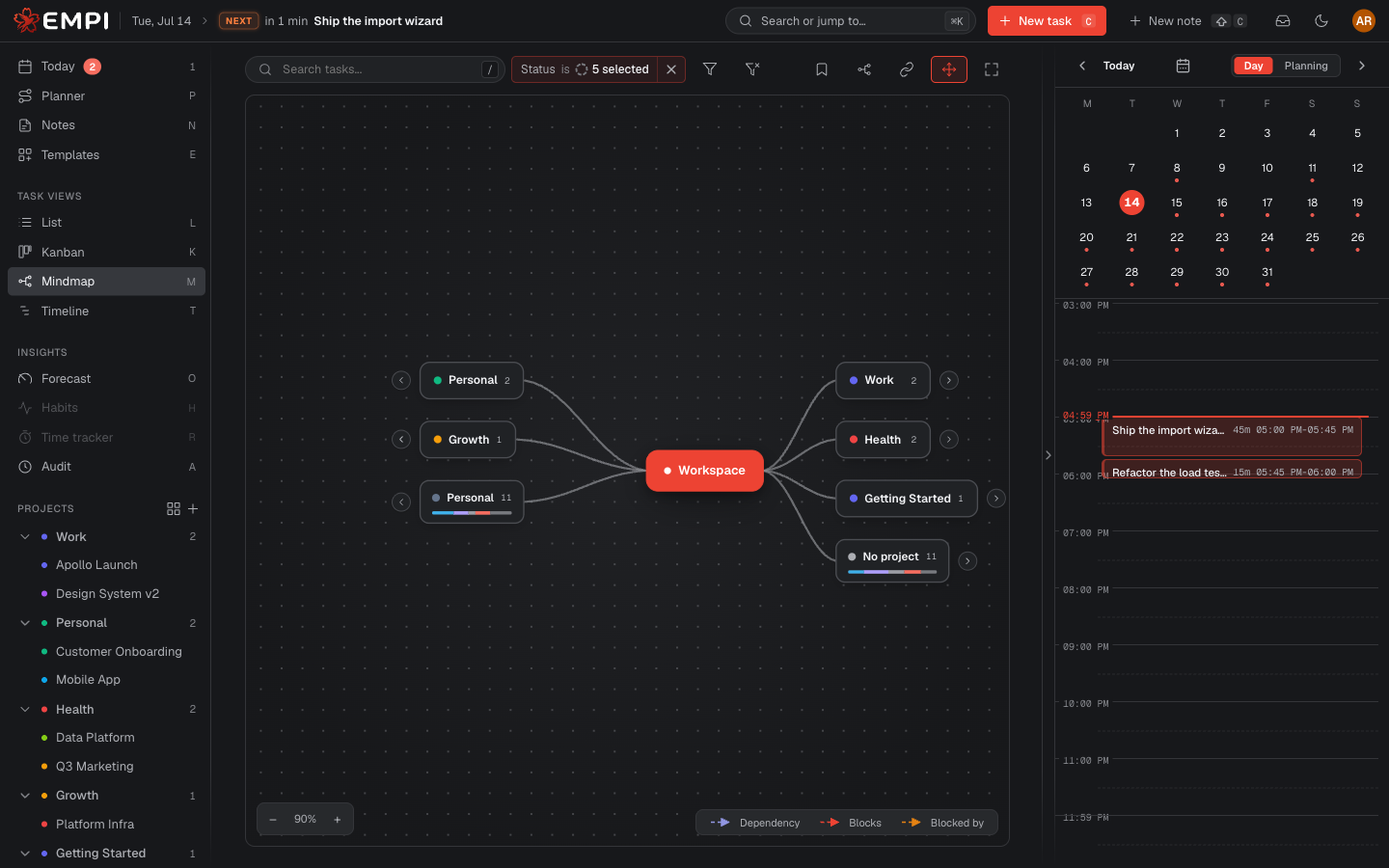
Layouts
Pick a layout from the Layout control:
- Tree: hierarchy first, project to task to subtask. Best for breaking work down.
- Cloud: a force-directed cloud where related work clusters together. Best for seeing the overall shape.
- Radial: everything arranged around a center. Best for a compact overview of a large graph.
Drag a card to place it by hand. Auto-arrange clears manual positions and re-fits the layout.
Dependencies
Dashed arrows are dependencies. Select a task and its chain is highlighted by direction:
- Green: the selected task blocks the task the arrow points to.
- Amber: the selected task is blocked by the task at the arrow's tail.
The Dependencies control switches between All deps, Selected deps and No deps, which keeps a busy graph readable.
Editing from the graph
- Drag a card onto another to make it a subtask of that task.
- Drag from a card's dependency handle onto another task to say "this one depends on that one" (blocked by). Right-click a dependency arrow to remove it.
- New project and the inline card creator let you add a project, task or subtask without leaving the view.
Everything you change here is the same data as everywhere else: see Tasks.