Templates
A template is a reusable preset that prefills a new task. Use one for anything you create the same way every time: a bug report, a meeting follow-up, a weekly review.
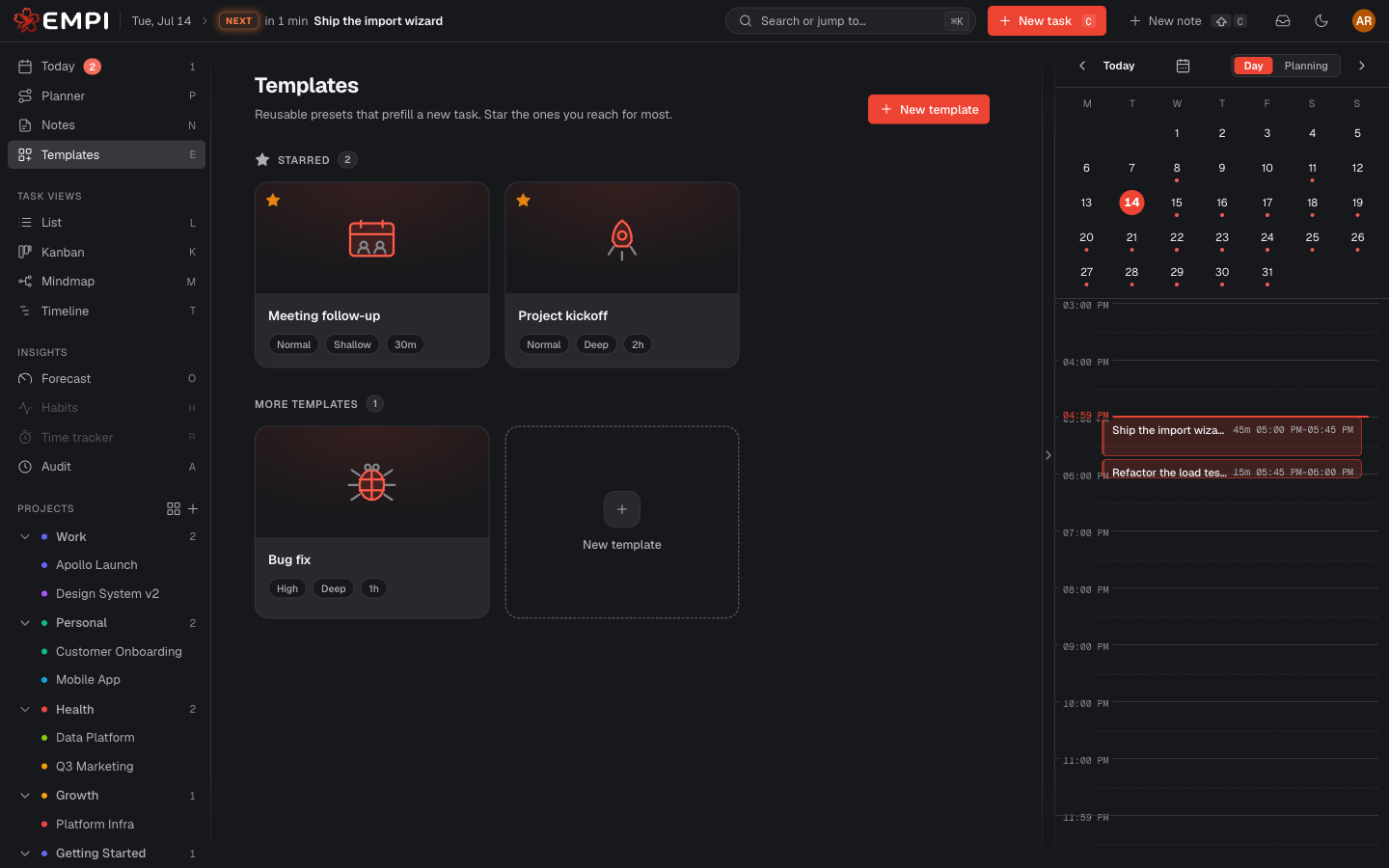
Browse
Templates live at /app/templates (Templates in the sidebar). The gallery shows
your Starred templates first, then everything else under More templates.
Empi ships three built-in templates you can use straight away: Bug fix, Meeting follow-up and Project kickoff. Each carries a default description with the headings you would have typed anyway.
Star a favourite
Star pins a template to the top of the gallery, and to the Start from a template strip in the new-task modal, so the ones you reach for most are always one click away. Unstar removes it again.
Create your own
New template opens the editor. A template can carry:
- a Name and an Icon,
- default Priority, Focus, Status and Estimate,
- a default Project and Labels,
- a Default description, prefilled into the task body.
Every field is optional. Anything you leave empty simply is not prefilled.
Edit reopens an existing template, Delete removes it (with a confirmation). The three built-in templates cannot be edited or deleted. If you close the editor with unsaved changes, Empi restores them next time you open it.
Apply one to a new task
Open the new-task modal (C, or New task in the topbar) and pick a template from the Start from a template strip, or click Browse all to open the full gallery and choose Use this template.
The template fills the properties in; nothing is locked. Change anything you like before you create the task, including the fields the template set. Applying a template prefills a task, it never keeps it in sync afterwards.