Choosing a view
Empi keeps one set of tasks and shows them through different lenses. Nothing is copied or re-entered: check a task off in List and it is done on the Kanban board, on the Timeline and in Today, instantly.
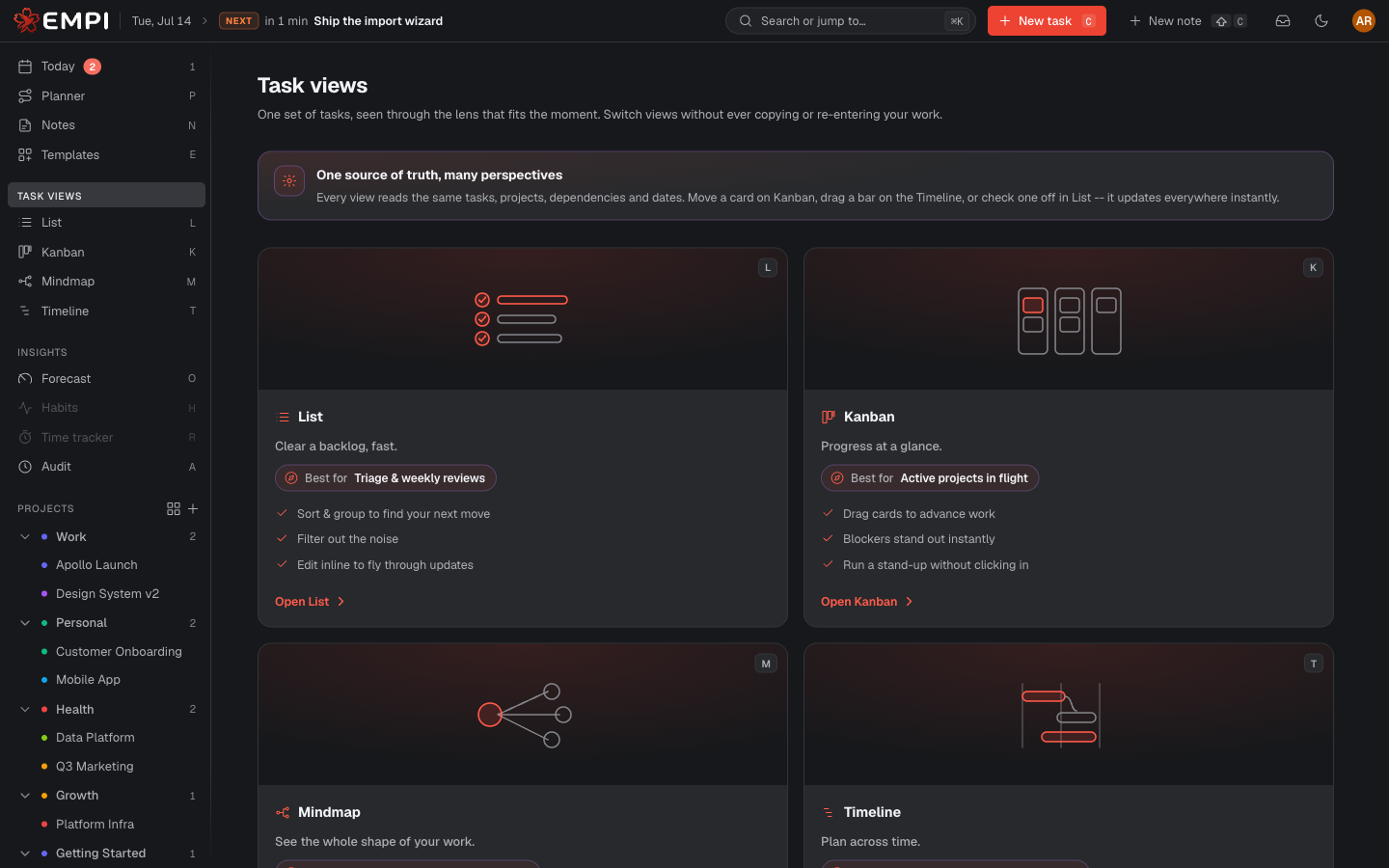
The views
| View | Best for | |
|---|---|---|
| Today | Running your actual day: what to work on now, and when it is booked | /app/today |
| Planner | Letting Empi schedule your work, then booking it on your calendar | /app/planner |
| List | Triage and weekly reviews: filter, sort, group, bulk edit | /app/list |
| Kanban | Seeing work in flight and moving it forward by status | /app/kanban |
| Timeline | Scheduling across days and weeks, with dependencies drawn in | /app/gantt |
| Mindmap | Breaking goals down and seeing what blocks what | /app/mindmap |
| Forecast | Looking ahead: load, risk and delivery confidence | /app/forecast |
The activity log is not a task view, but it tells you who or what changed something, and when.
Switching views
The sidebar has a direct link to every view. If you want to compare them side by
side, open the views gallery at /app/views (TASK VIEWS in the sidebar leads to
the same places). Each card says what the view is best for and opens it in one
click.
Today and Planner read the schedule that the planner produces. To understand how Empi decides when work happens, read Planning.