Working hours and focus hours
Everything the planner does rests on one thing: knowing when you are available, and for what. That is what time slots are. This page also covers the numbers that shape the resulting plan.
Time slots
A time slot is a named kind of time, with weekly windows that say when that activity can happen. Empi seeds three:
- Work hours -- when you do focused work.
- Spare time -- personal projects, hobbies, sport.
- Off hours -- evenings, downtime, rest, and weekends.
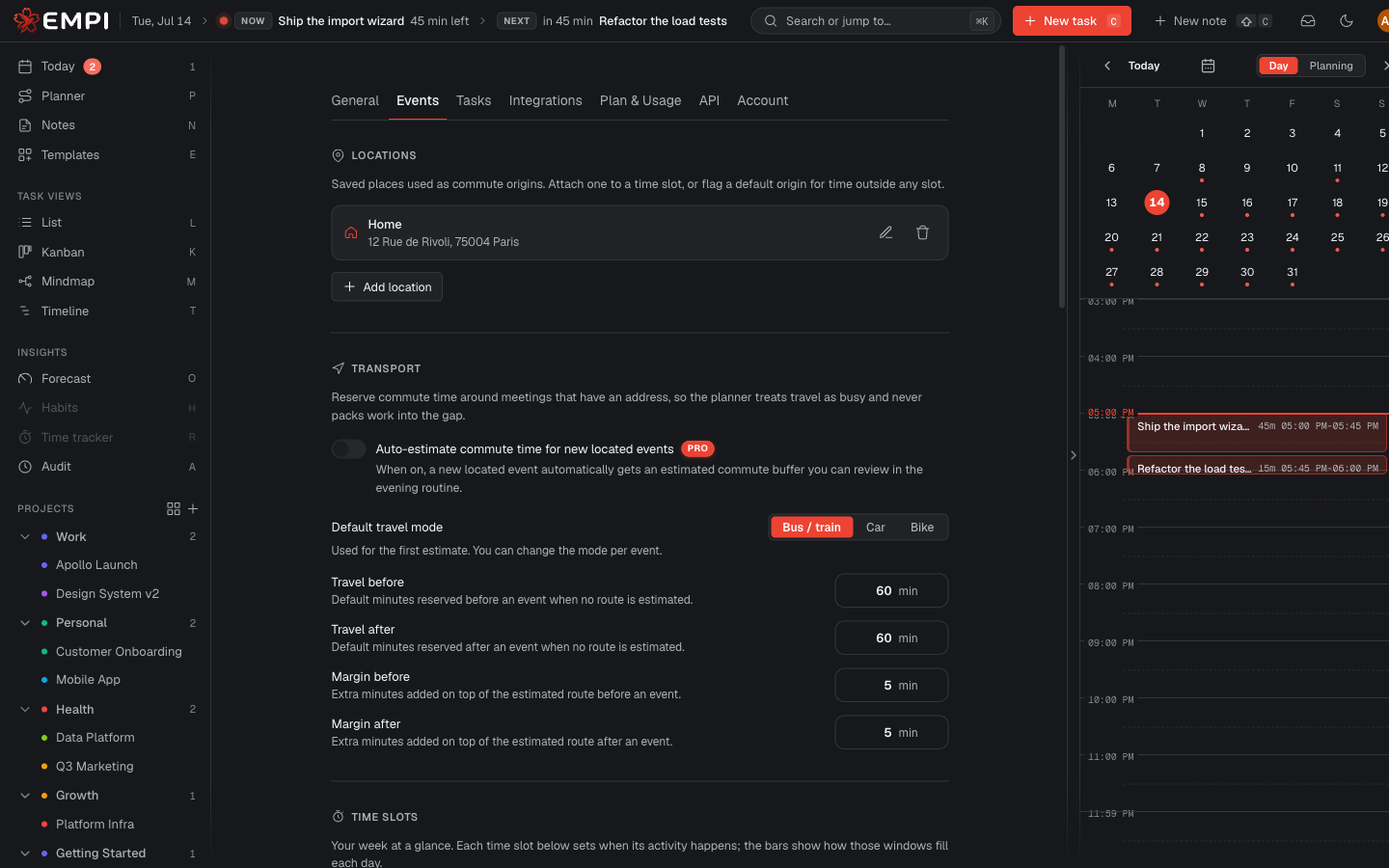
You can create as many more as you like. Find them in Settings, under Events.
Off hours is never auto-scheduled. The planner books task work only in Work hours and Spare time. Time outside every window is off hours by default: if it is in no window, no task lands there.
Create a slot
+ New time slot asks for a name (for example "Deep work") and adds it to the list. Each slot has a color, which is the color its windows take on the week preview and on the calendar. Click the swatch to change it.
Deleting a slot that calendars still use asks you to move them to another slot first, so nothing is left pointing at a slot that no longer exists.
Weekly windows
A window is a day plus a start and end time. + Add window adds one; a slot can have several per day. The preview at the top of the section shows the resulting week at a glance.
Work hours, Spare time and Off hours may not overlap each other, and two windows in the same slot may not overlap. Empi tells you which window clashes and on which day, and refuses to save until you fix it.
Commute origin
A slot can carry a Commute origin: the saved location you travel from during those hours. Empi uses it as the starting point when it estimates travel time to a meeting that falls in that slot, so your work hours can start from the office while your spare time starts from home. See commute time.
Peak focus hours
Peak focus hours are the hours you do your best deep work, declared per weekday, in Settings under Tasks.
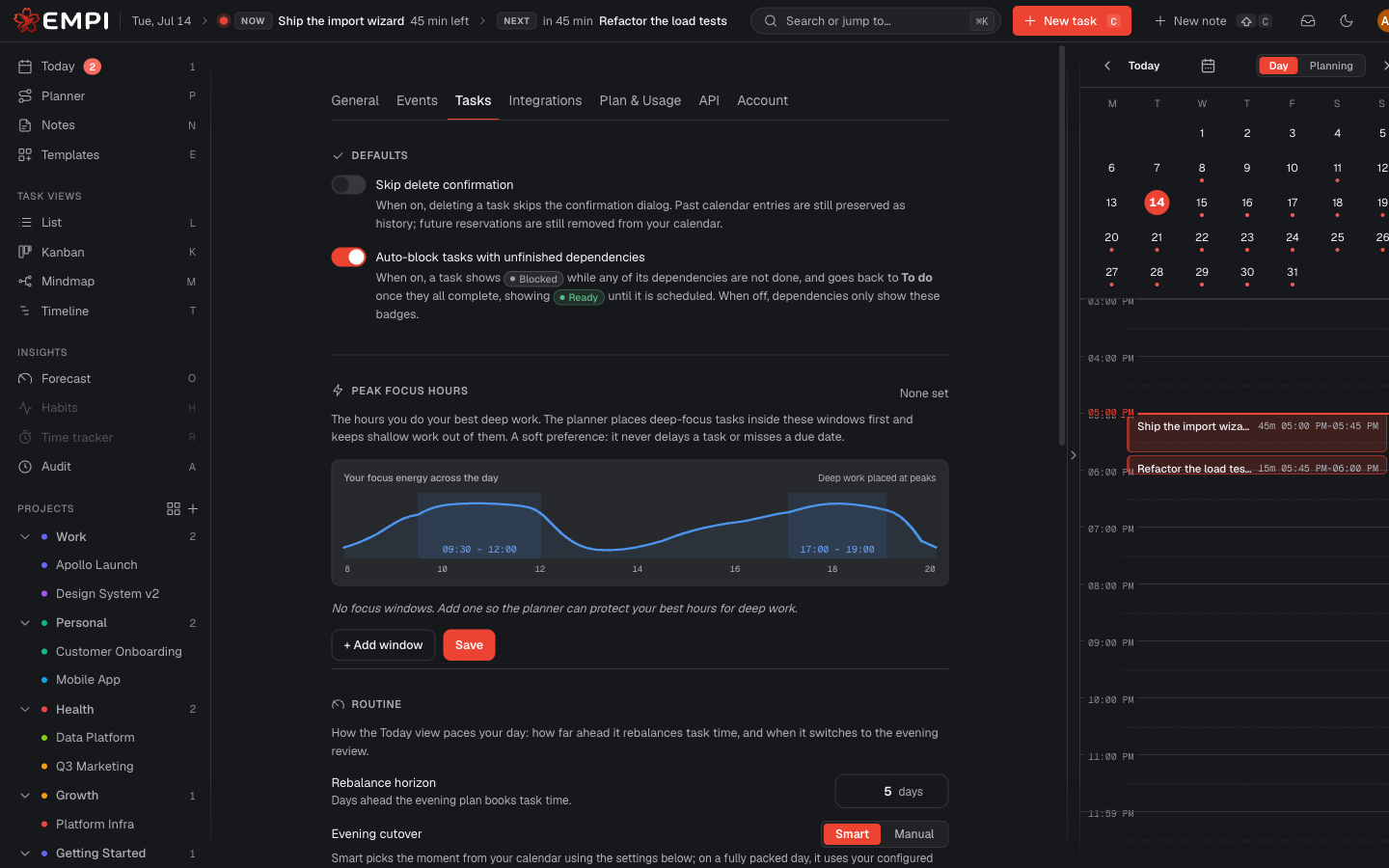
The planner places Deep tasks inside these windows first and keeps Shallow work out of them. It is a soft preference: it will never delay a task or miss a due date to protect a peak hour. With no focus windows set, the planner simply does not shape anything, and behaves exactly as it would without the feature. See focus shaping.
Meeting reserve
A reserve window is time each day held free for incoming meetings, pinned to an exact start time and given a duration. It sits in Settings, under Events.
Reserve is a hard hold: the planner never schedules focus work inside a reserve window, and the reserved minutes count against the day's capacity. That is the point. It protects the time you keep for the meetings that have not been booked yet, instead of letting focus work eat it and forcing you to move work when the invite lands.
The planner numbers
These live in Settings, under Tasks. Each one changes the shape of the plan Empi builds.
| Setting | What it changes |
|---|---|
| Min slot size | The smallest block the planner will reserve. Raise it if 15-minute fragments on your calendar are noise; the leftover time below this stays unscheduled, and a task whose whole estimate is under it gets no block at all. |
| Max slot size | The cap on a single reserved block. A longer task is split into back-to-back sub-blocks instead of one marathon. Lower it for shorter working sessions, raise it for long uninterrupted stretches. |
| Break after | The minutes of continuous work after which the planner reserves a rest break on your calendar. A meeting or a commute that already separates two sessions counts as the break. |
| Break duration | How long each inserted break lasts. It must be shorter than Break after. |
| Planner pipes | How many tasks the planner tries to keep you working on at once. A soft target: it reports when a deadline forces it to run more threads than this, it does not miss the deadline. See parallel threads. |
| Scheduling priority | Focus first lets a task's time be split across the day so deep work lands in your peak hours. Reduce switching keeps a task's blocks for one day in one continuous run instead, at the cost of some peak-hour quality. |
| Rebalance horizon | How many days ahead the planner books. Applying a plan never places a block past this cap: work that only fits beyond it is left for a later run, as the window rolls forward. |
Note
The rebalance horizon ceiling follows your plan: up to 7 days on Free, up to 90 days on Pro.