Kanban
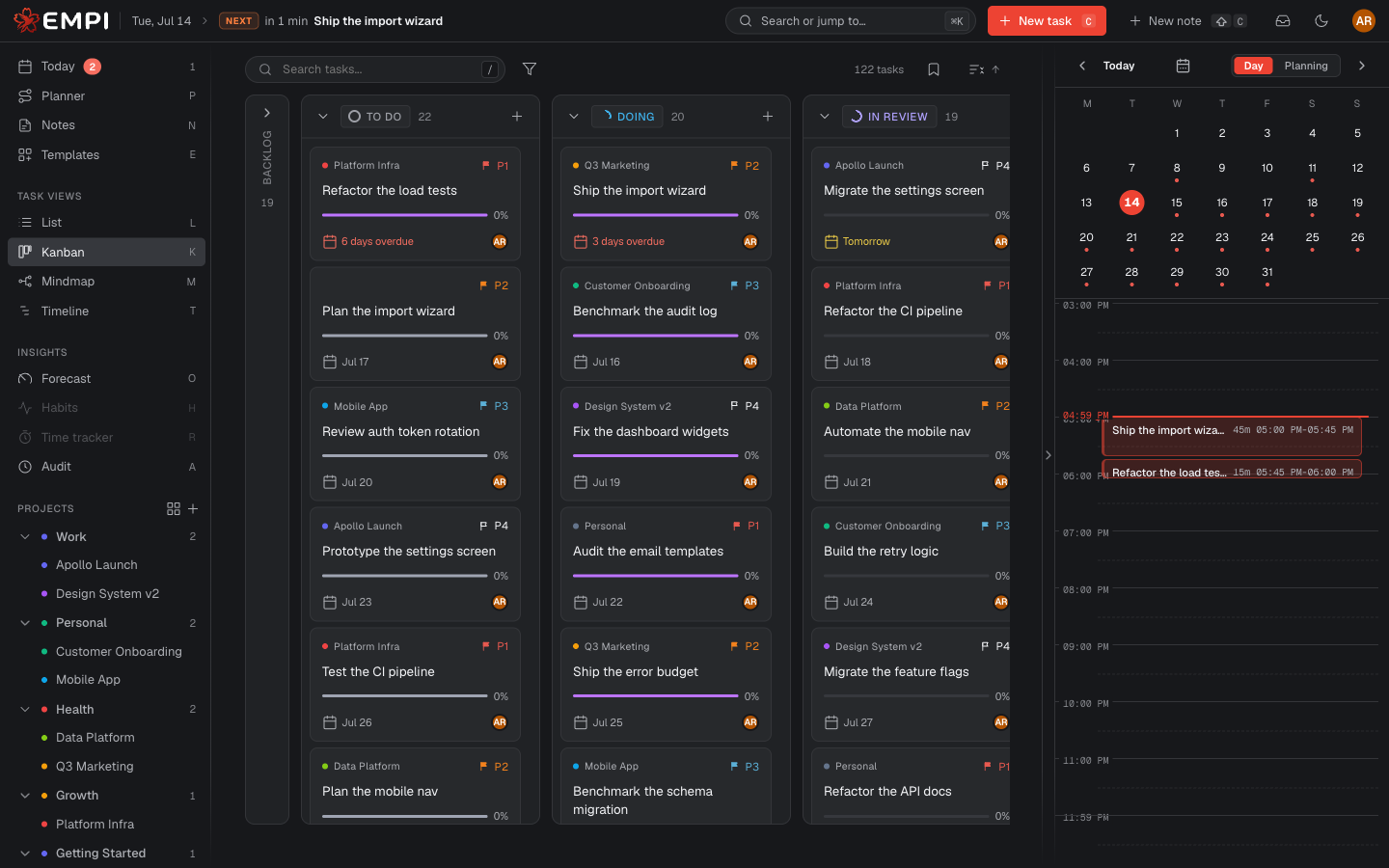
Kanban is a board with one column per status. It is the view for work in flight: you can see what is moving, what is stuck, and run a stand-up without opening a single task.
The columns
One column per status, in this order:
Backlog > To do > Doing > In review > Blocked > Done
Each column can be collapsed to give the others more room. Add card at the top of a column creates a task already in that status.
Moving work
Drag a card to another column to change its status. That is the whole interaction, and it is the same status field you would edit in List or in the task panel, so the change shows up everywhere at once.
Cards carry the task's priority, due date, labels, assignees and progress, so you usually do not have to open one to know where it stands. Click a card to open the full task.